Yay 2.0
Yay 2.0 is officially here, featuring a brand-new Rich Editor!
Built from the ground up to provide a new editor, the Rich Editor makes writing effortless—no knowledge of Markdown syntax required. So, you can choose Code Editor or Rich Editor based on your preference.
On top of that, we’ve also introduced powerful Command Line support to streamline your workflow.
Rich Editor
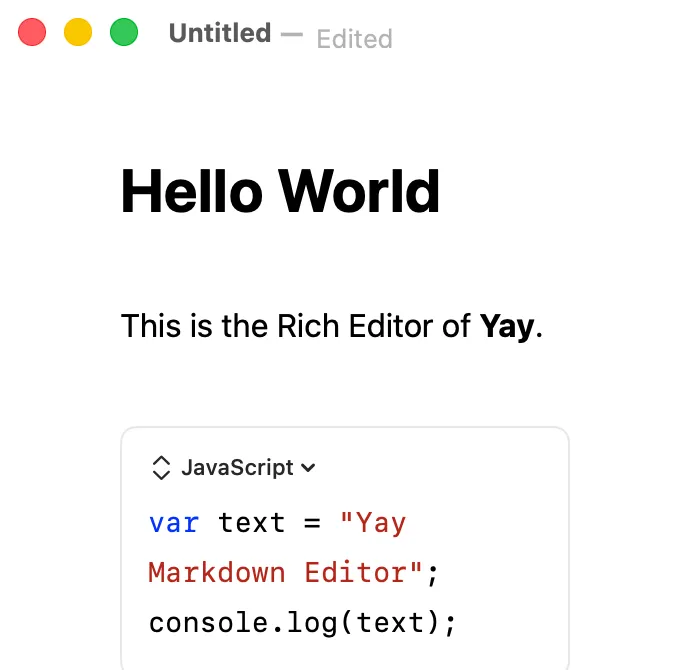
Here is what sets the Rich Editor apart from traditional code editors:
Code Block
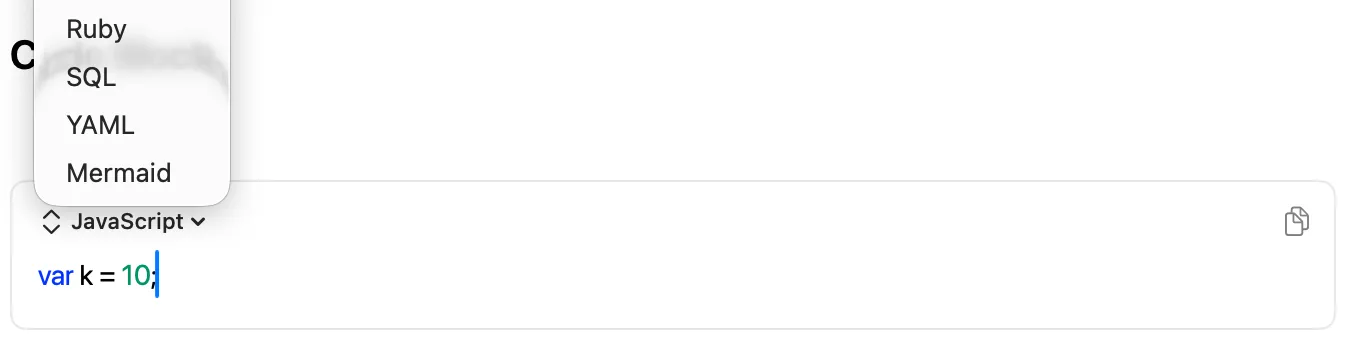
Select your preferred programming language directly from the UI, and quickly copy code snippets with a single click.
Mermaid
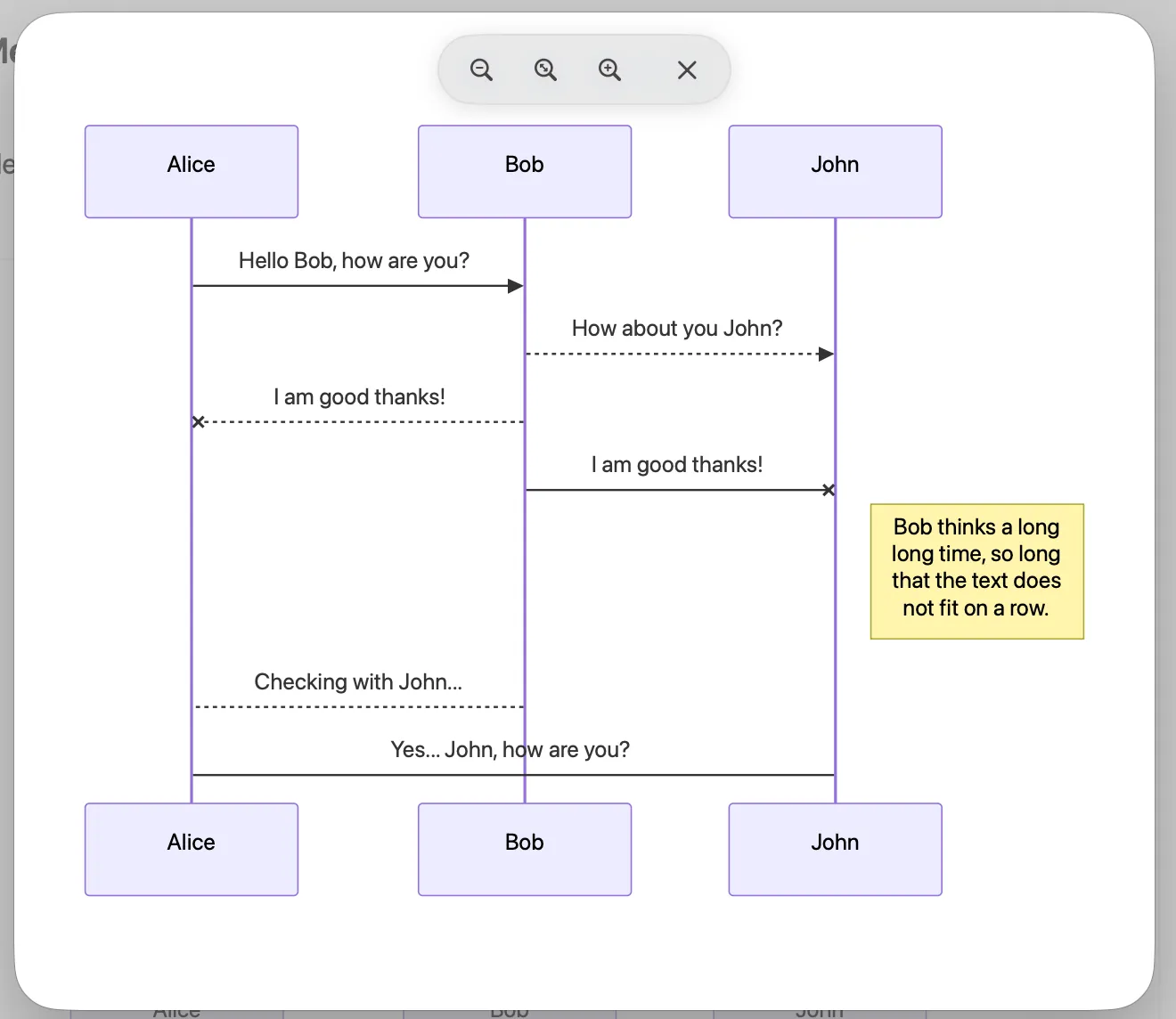
Render and preview Mermaid diagrams inline instantly without leaving the editor.
Block Editor
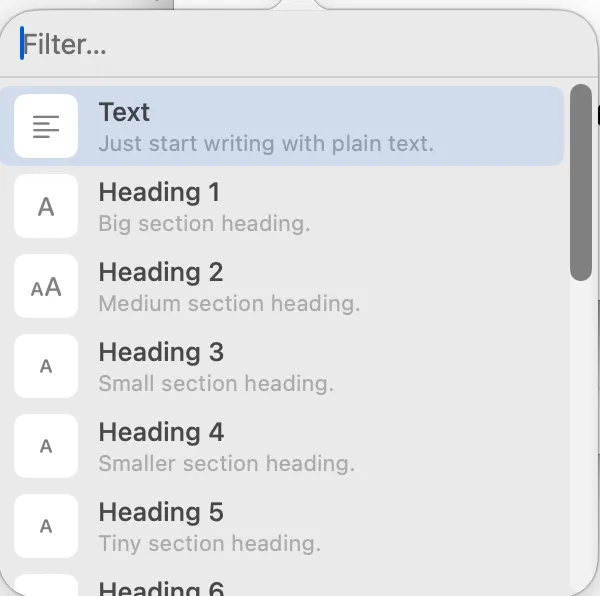
Simply type / to open a menu displaying all available content blocks. You get all the power of Markdown formatting, but with a modern visual editor experience.
Command Line
You can now open individual files or entire directories straight from your terminal:
yay file.md
yay <folder_name>
In version 2.0, we fixed a lot of minor bugs and improved performance.
Download at https://yay.myanmars.app